Photo prep for Etsy sellers
Keep the whole
piece in frame.
See how your product photos look in landscape, square, and portrait. Adjust the margins and export your next batch in one ZIP.
Free beta · No account required
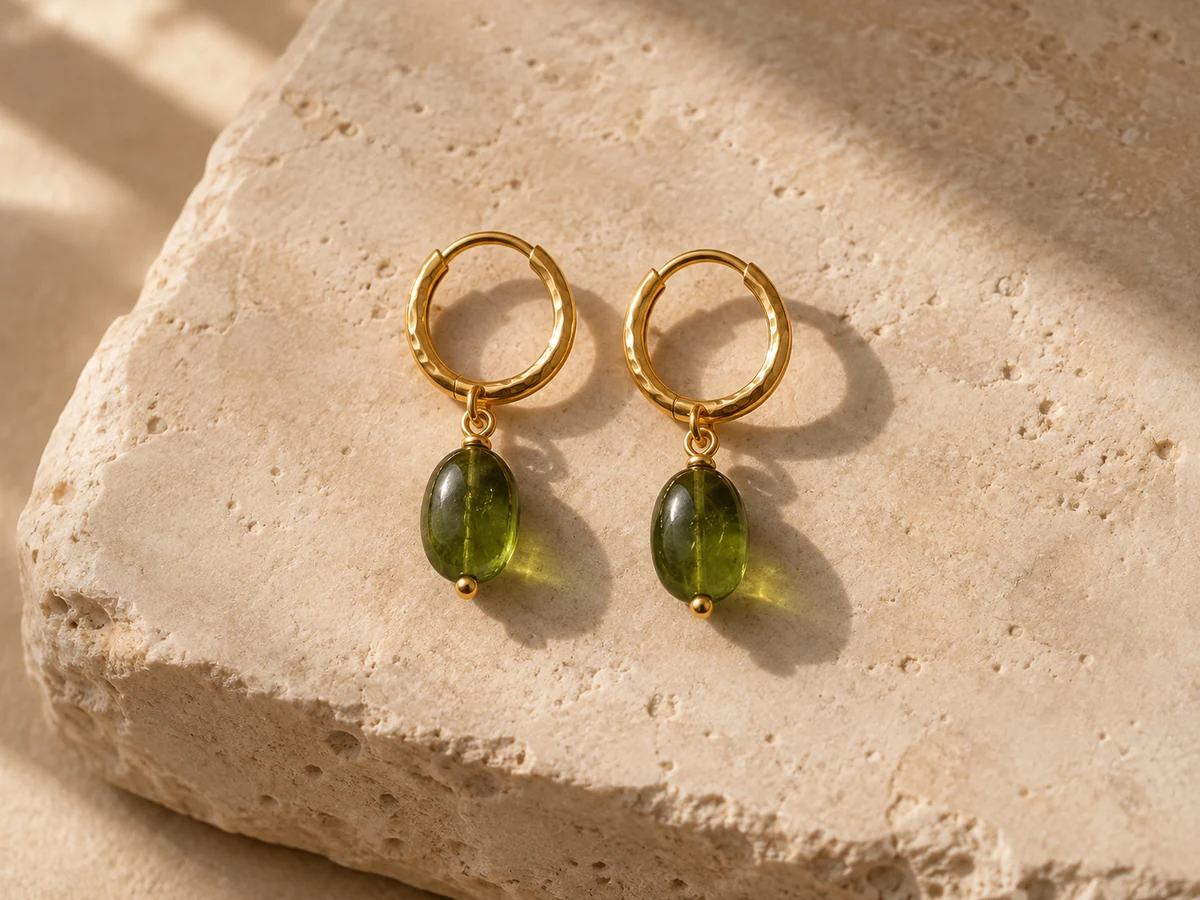
From product photos to a listing batch
Add your photos
Choose or drop up to 20 JPEGs and PNGs from your device.
Check the crops
Compare each original with three previews and adjust margins for the whole batch or just one photo.
Download your ZIP
Get one numbered 2800 × 2100 JPEG per photo, ready to review in Etsy.
Photo workbench
Prepare your batch right here. Your photos stay on this device.
Or drop JPEGs and PNGs here · Up to 20 photos · 12 MiB each
Empty space in the export frame is filled with white.
One 2800 × 2100 JPEG per photo. Check the final thumbnail in the Etsy listing editor.
Questions about your photos
Are my photos uploaded?
Listing Frame processes your photos in your browser. Your photos and filenames stay on your device, and the original files remain untouched.
Will the previews match Etsy exactly?
The previews simulate centered crops at 4:3, 1:1, and 4:5. Check the final thumbnail in the Etsy listing editor before publishing.
Why is there white space in my export?
The export fills unused space and transparent pixels with white. Start by lowering the margin if you want less padding. Smaller photos keep their original pixel dimensions within the frame.